
💬
Chat-based sharing
Send files and text in a familiar conversation-style interface instead of dealing with complex transfer steps.
DropShare is a lightweight file and text sharing tool that helps you send files, messages, and links instantly across devices. Open a chat session, share content in seconds, and access it from almost any browser.
A quick visual overview of DropShare's chat-based sharing flow, multi-protocol access, and browser-friendly experience.
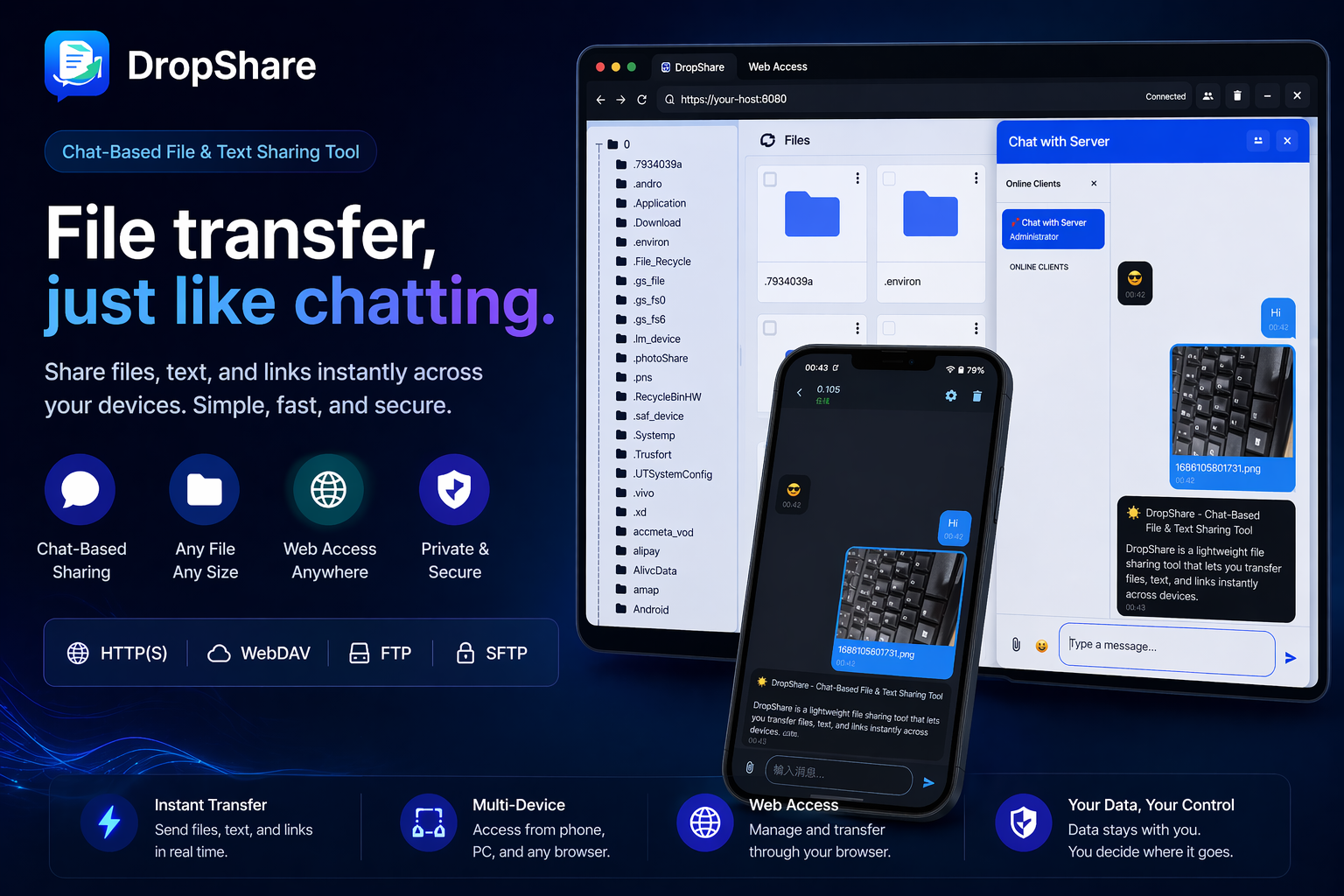
Use the app for instant file and text transfer, then let receivers open content through a browser or protocols such as HTTP, WebDAV, FTP, and SFTP.
Core screens from the Android app, covering chat-based sharing, content management, and connection workflows.
DropShare focuses on fast, low-friction sharing. It blends a chat-style experience with practical file transfer tools, making it suitable for everyday sharing, local network access, and lightweight cross-device workflows.
Send files and text in a familiar conversation-style interface instead of dealing with complex transfer steps.
Receivers can open shared content from a browser, which lowers friction and improves compatibility across devices.
No heavy cloud setup is required for many scenarios, especially when sharing on a local network or hotspot.
Share documents, photos, videos, plain text, and useful links from one simple workflow.
Generate easy-to-open sharing links so another device can quickly view or download the content.
Good for quick personal transfers, temporary local sharing, and more advanced technical access methods.
DropShare is more than a basic file sender. It supports multiple access methods so different users and devices can choose the workflow that suits them best.
Everyday users can simply open a chat and share files. Advanced users can take advantage of HTTP, WebDAV, FTP, and SFTP access for broader compatibility, file management, and local network workflows.
The workflow is intentionally simple so you can move content between devices without unnecessary setup.
Create a chat or start a sharing mode in the app, depending on how you want to transfer content.
Select the content you want to share and make it available instantly through the chat-style interface or supported protocol.
Use the generated link or supported transfer method to view, download, or manage the shared content from another device.
DropShare can be useful for local file transfer, quick browser-based downloads, sharing notes between devices, lightweight team exchange, and technical access scenarios that benefit from WebDAV, FTP, or SFTP.
These questions also help search engines better understand what DropShare offers.
DropShare is a chat-based file and text sharing tool for transferring files, messages, and links across devices with browser support and multiple access protocols.
Yes. One of the main ideas behind DropShare is reducing friction for the receiving side. In many cases, the receiver only needs a browser to access shared content.
Yes. DropShare supports multiple file access methods including HTTP, WebDAV, FTP, and SFTP, making it useful for both casual and advanced workflows.
Yes. DropShare is well suited for local network and hotspot-based sharing scenarios where quick and lightweight transfer matters.